
Adoption plan
Cloud adoption and migration planning
Make a migration decision with an inventory, a transition plan and a clear definition of what must work after the move.
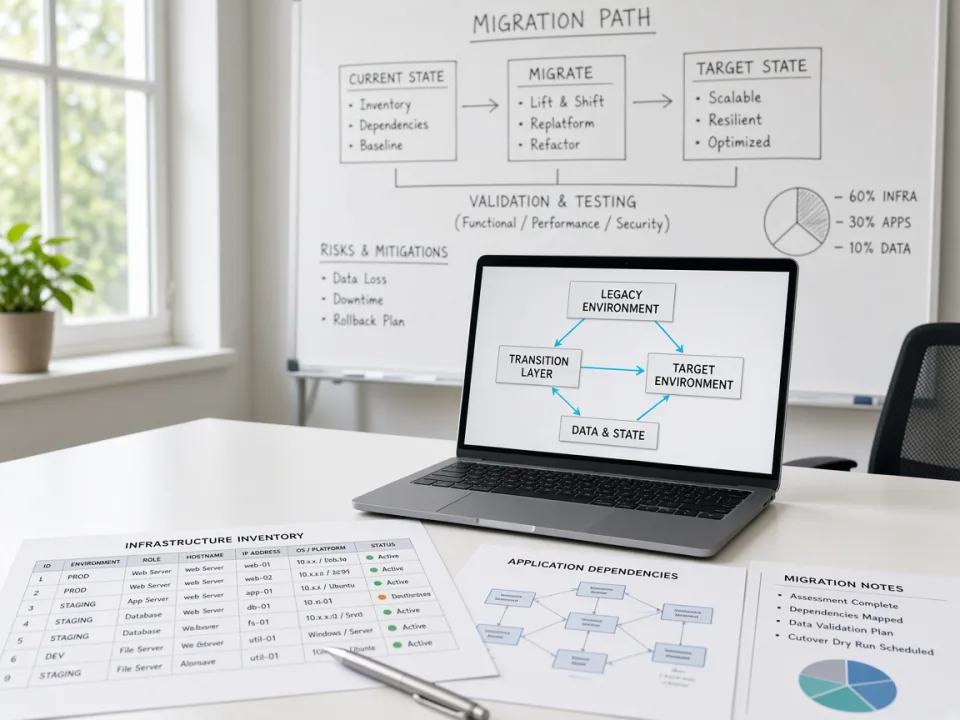
For businesses assessing a move to AWS, Azure or DigitalOcean, or reviewing the deployment of an existing cloud workload.
Cloud adoption and migration planning
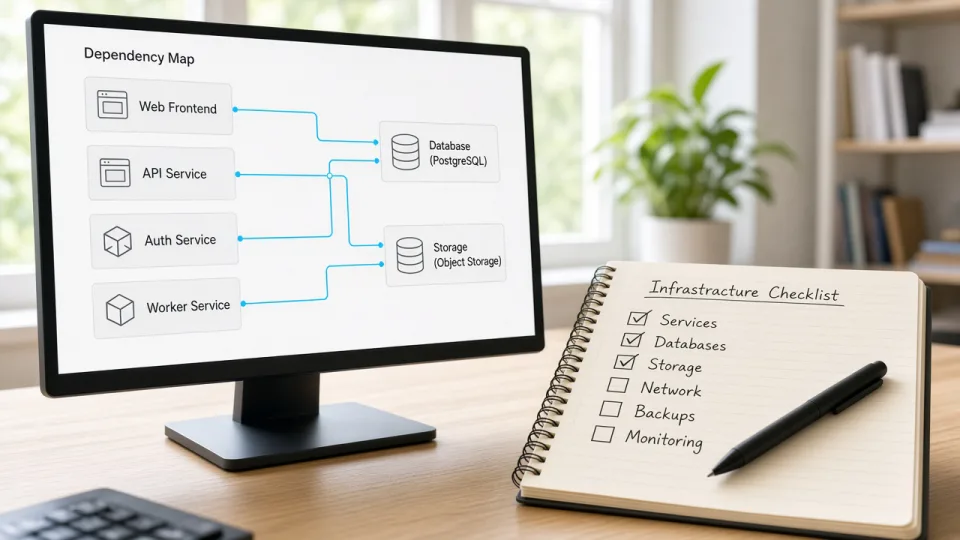
Workload and dependency review
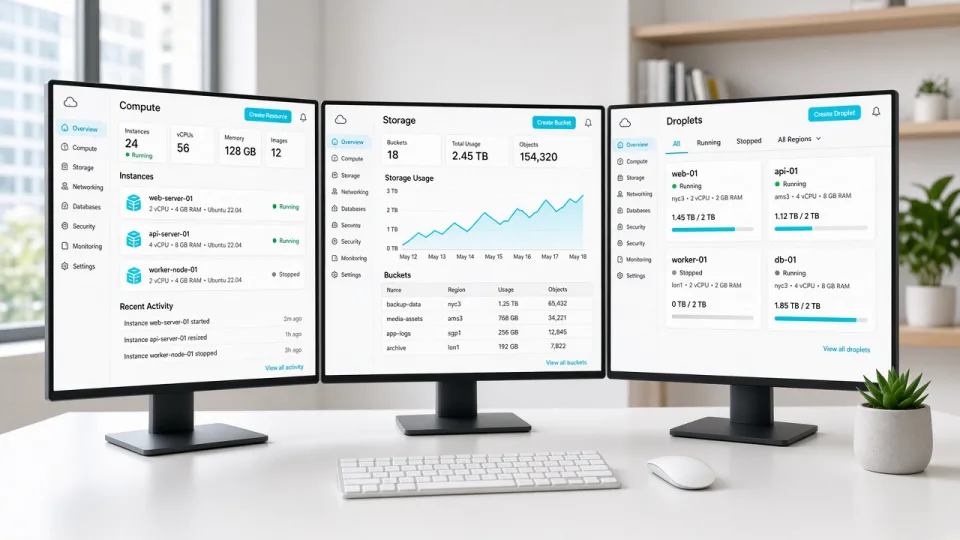
Migration scope for AWS, Azure or DigitalOcean
Assess the present environment, the business reason for moving and the constraints on the transition.
Agree a target approach, a validation checklist, a rollback plan and responsibilities for the cutover.
Plan migration in manageable steps and confirm application checks and operational ownership after each step.
Downtime depends on the workload and migration approach. Ask for an agreed cutover window and rollback plan; no zero-downtime promise is made here.
That needs a workload-specific comparison of hosting, storage, data transfer, licensing and operations. Share current usage and costs for a useful assessment.
Discuss the systems you use, the challenge you face and the scope you need.